Pre-Build Checklist
Run through this list before recording any build. It covers the checks that matter most in the moment.
1 - Hardware is secure
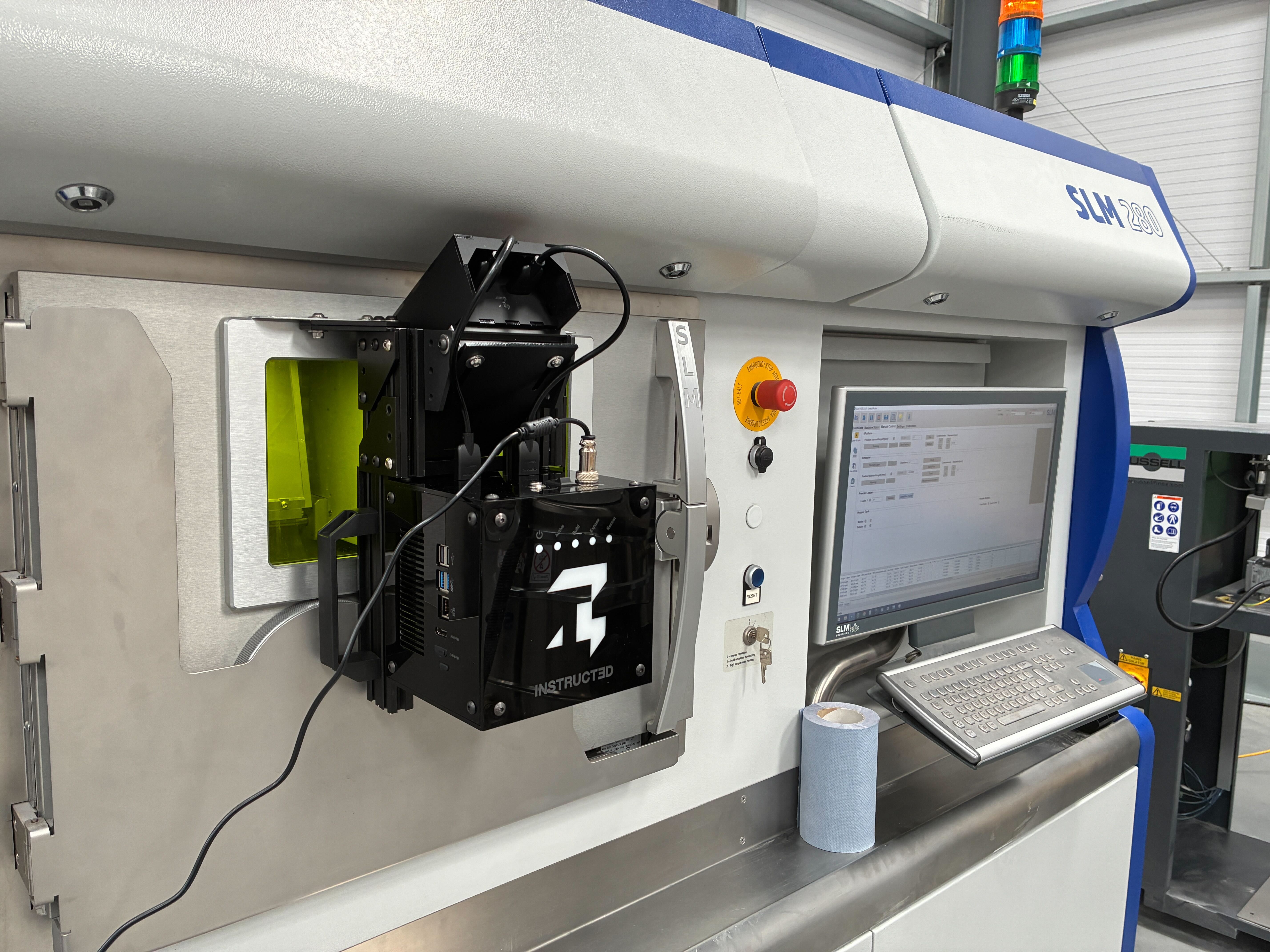
Confirm the unit is firmly attached to your machine and every cable — camera, power, and any accessories — is fully seated, not just resting in its port.
2 - Filters installed and clean
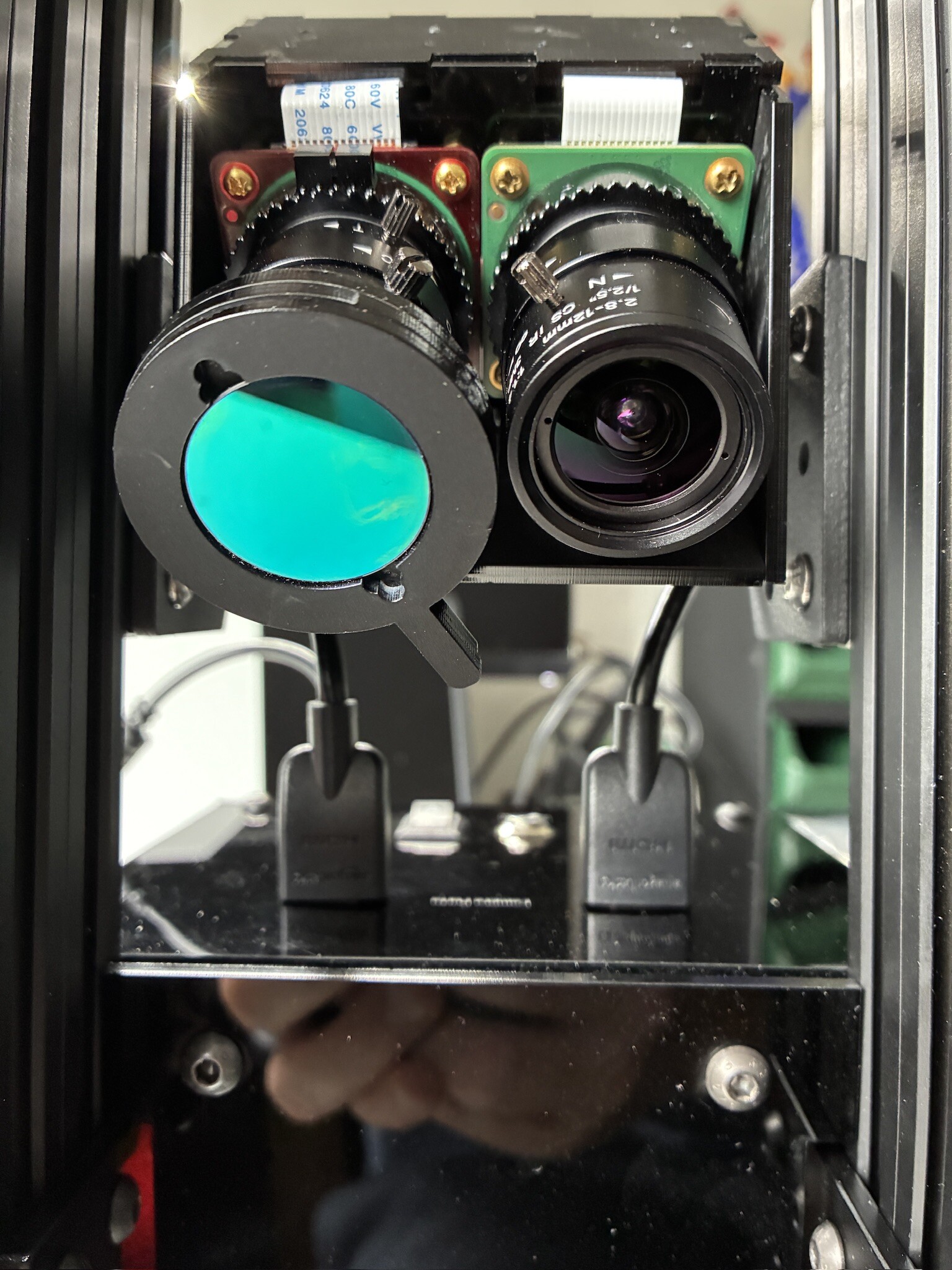
Remove any lens caps and fit the correct NIR filters. Check the glass for smudges or dust - even a light film will soften the images VertX captures through the build.
3 - Build chamber is illuminated
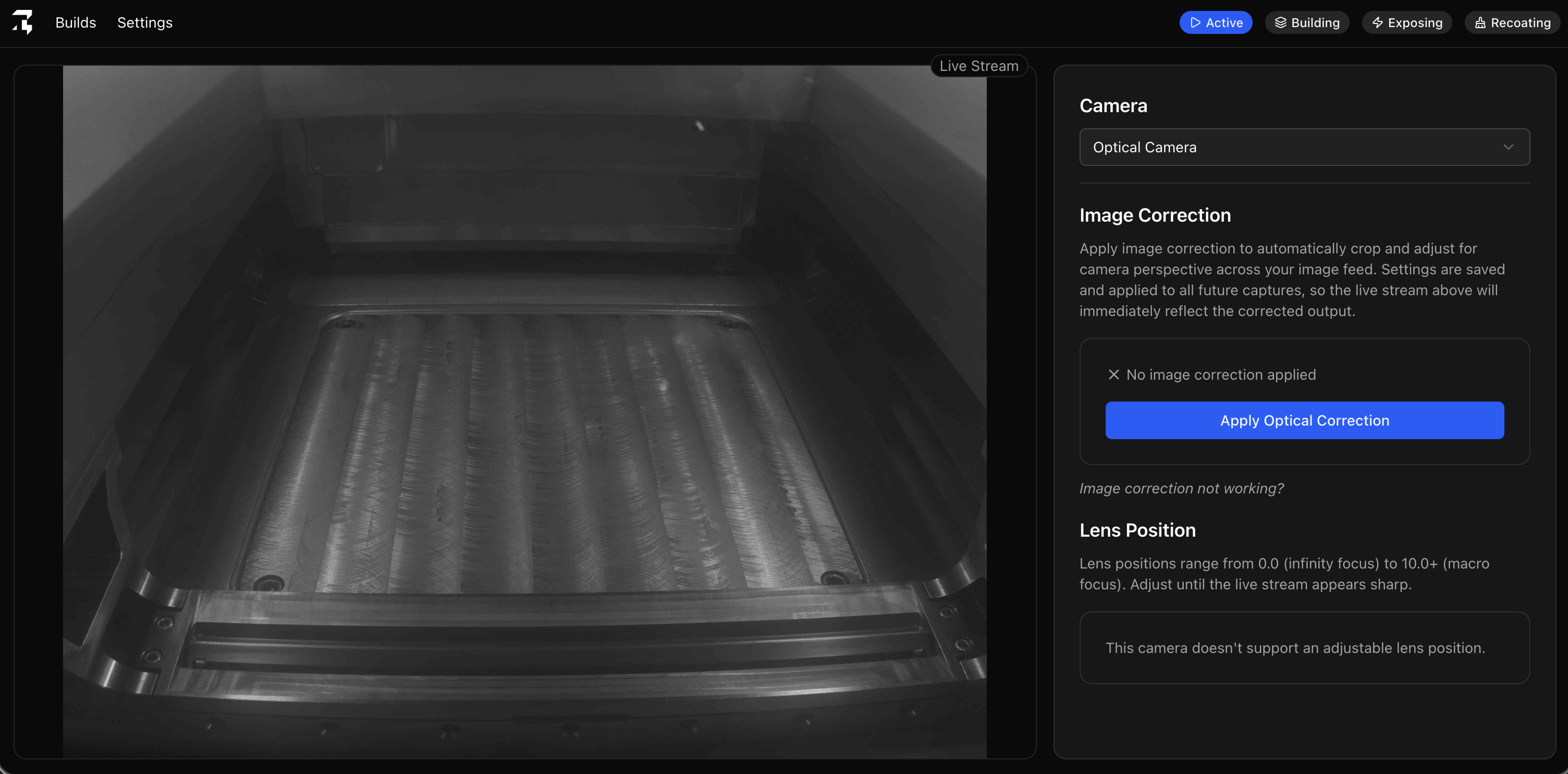
Switch on chamber lighting where it's fitted. More even light on the plate means sharper, more reliable monitoring footage for the full build.
4 - Device is powered on
Plug in and switch on the unit, then confirm the active LED is lit before continuing.
5 - Cameras are live
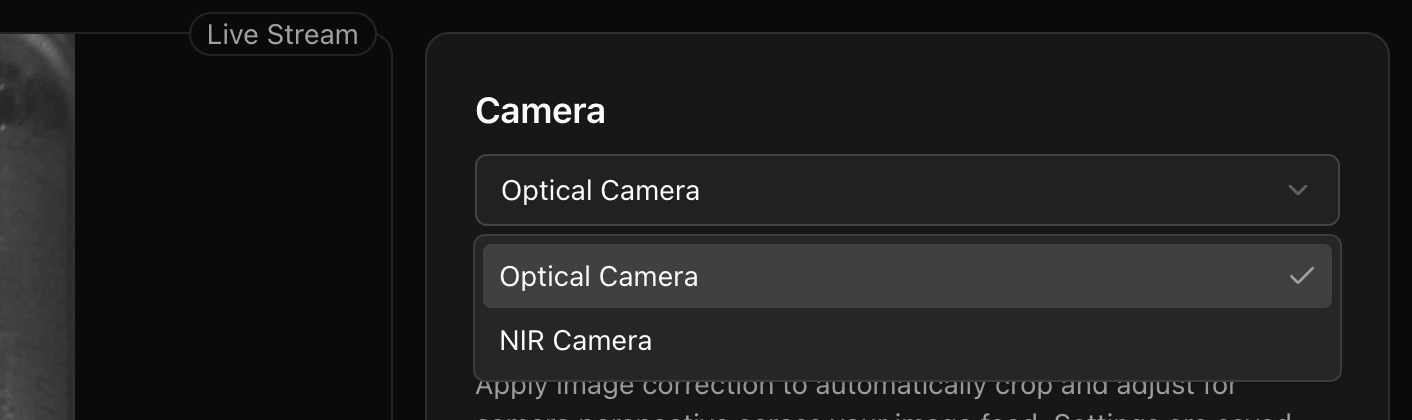
Open Settings → Configure Cameras and check both the Optical and NIR feeds are receiving frames. A spinner in place of a live image means the feed isn't connected yet.
6 - Cameras are focussed
Check both the Optical and NIR feeds are sharp. Neither should look soft or blurred at the baseplate
7 - Camera feed is corrected
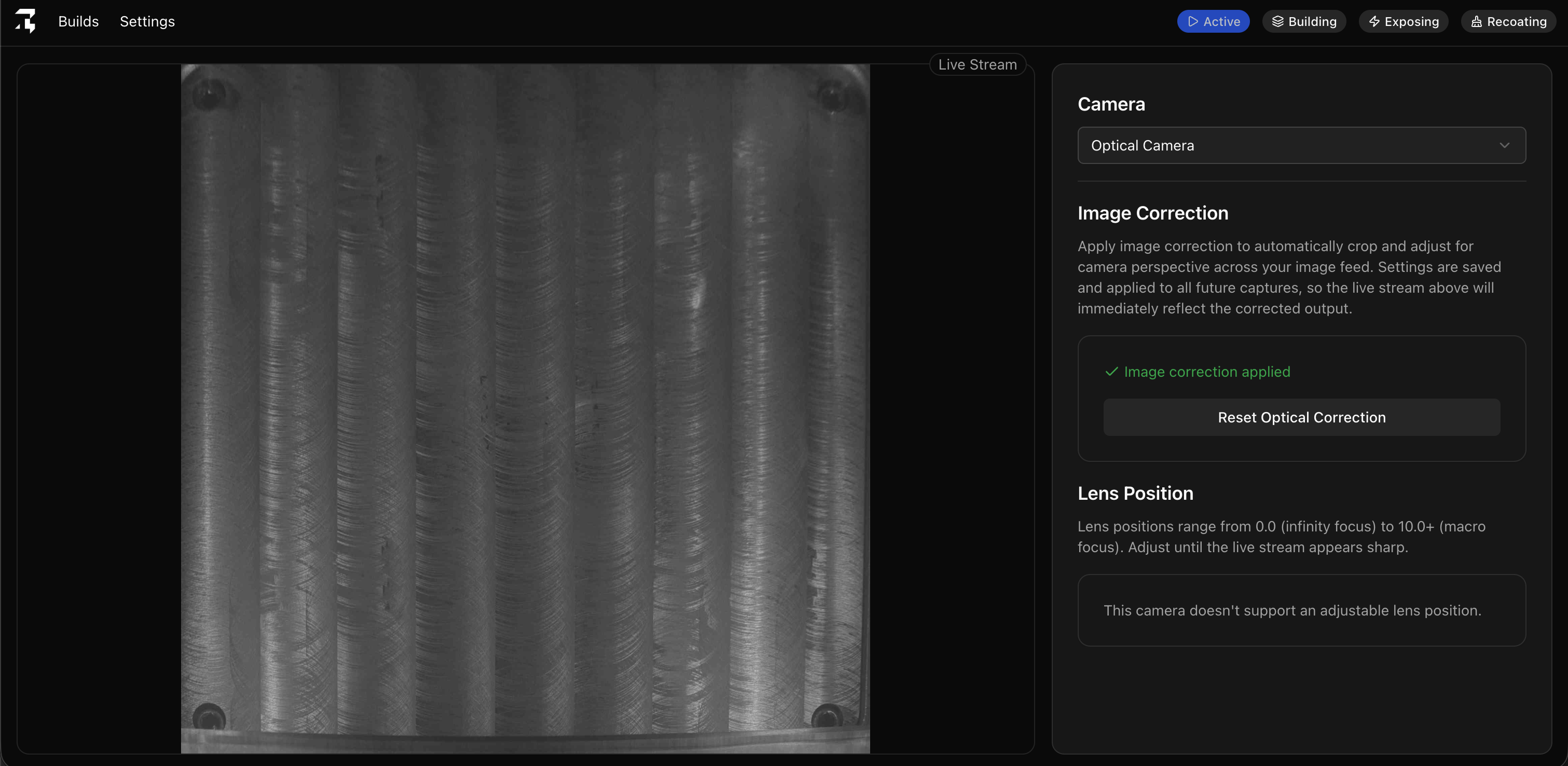
A corrected feed shows a true aerial view of the baseplate. If the plate still looks angled or trapezoidal, correction hasn't been applied yet.
8 - Build is loaded and recording
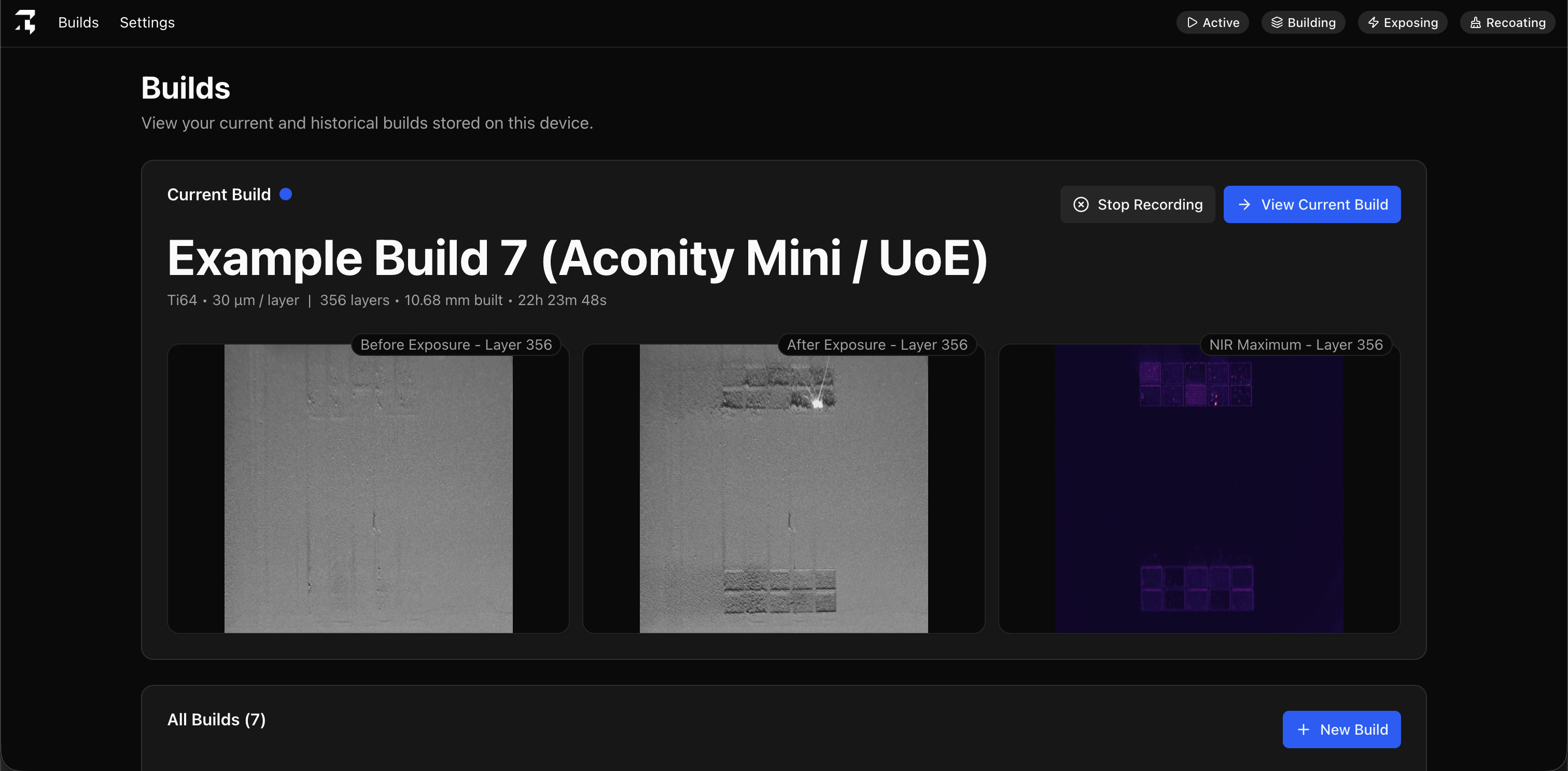
Select a new or historical build in the dashboard so data is recorded against the right job before you start.