Starting Builds
Before starting the build on your machine, you must setup and start a build on VertX.
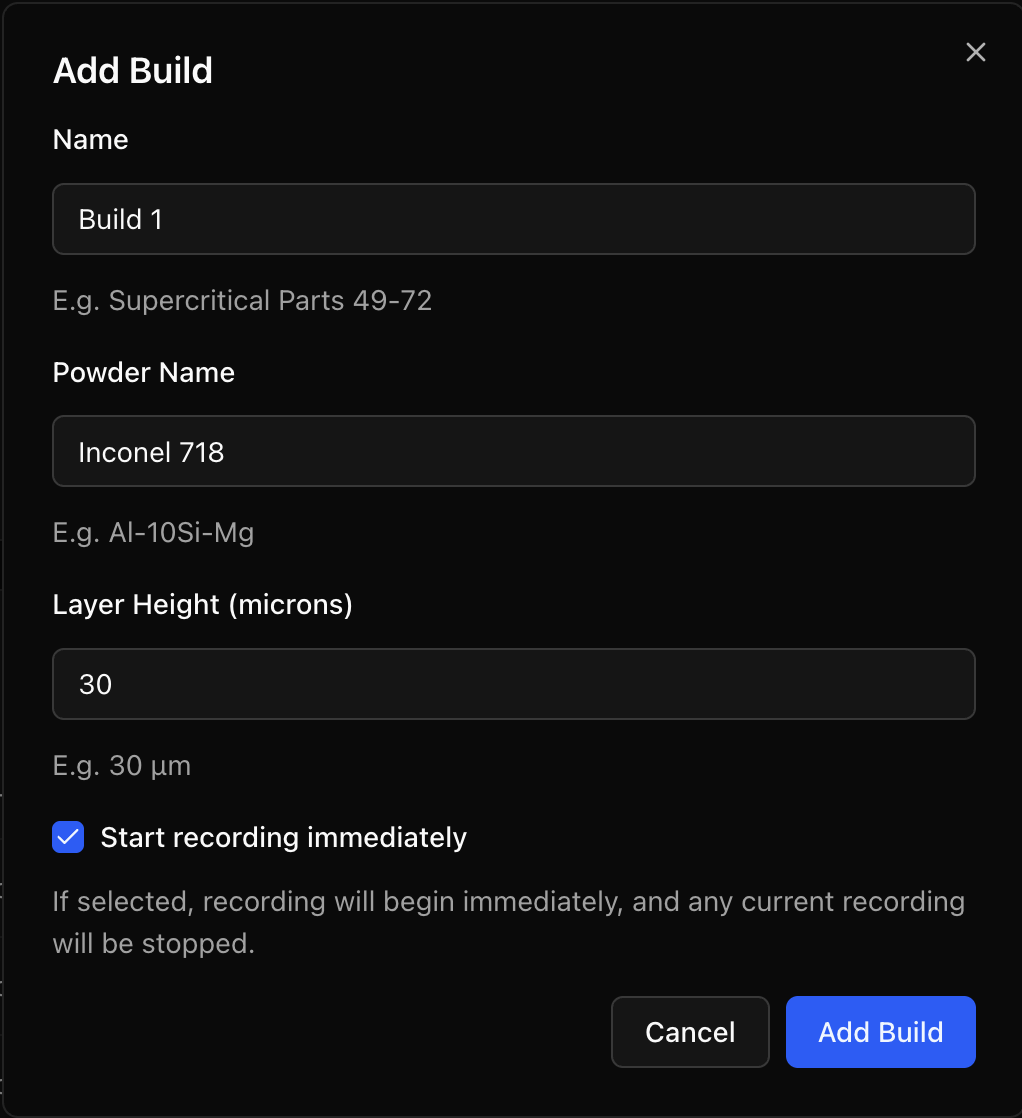
- Navigate to the Builds screen and select the New Build button.

- Enter a unique Build Name.
- Specify the Powder being used.
- Enter the exact Layer Height in microns.
- Click Add Build.
tip
It is possible to create and view other builds whilst VertX is actively recording a given build. If you're not currently recording another build, you can select the Start recording immediately checkbox to instantly load the new build in.