Connecting To The Internet
Ethernet
To connect the device to your local network via ethernet, simply connect an ethernet cable into the RJ45 port on the side of the core unit. Depending on your network configuration the device may automatically be granted internet access or you may need to make alterations on your router/switch/firewall to allow it.
Wireless
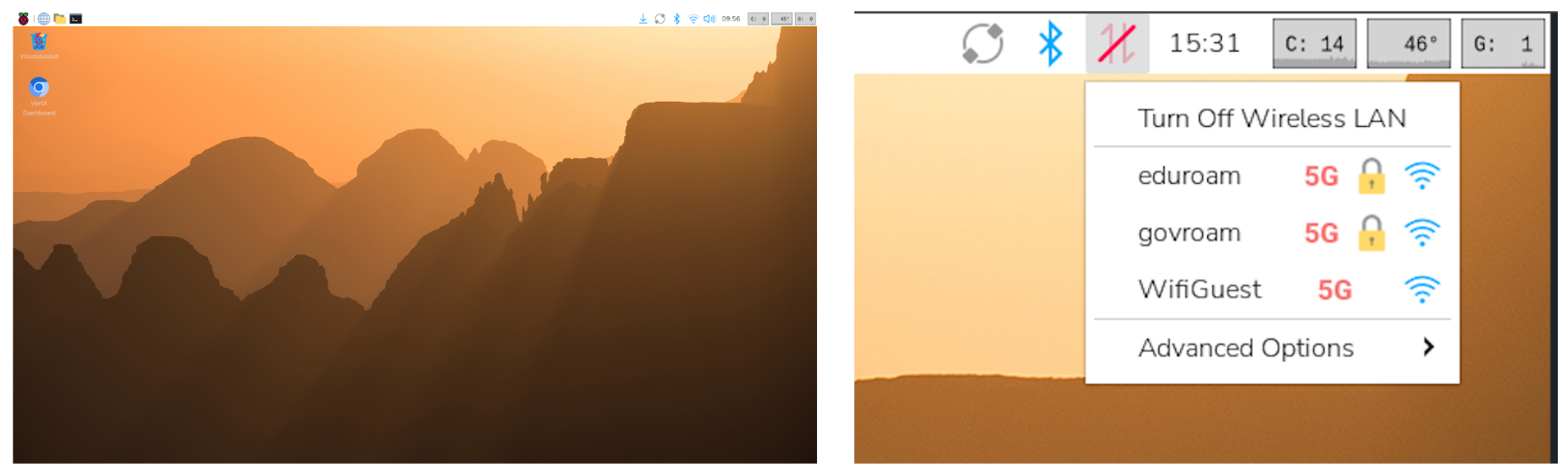
To connect the device to WiFi you must firstly physically connect to the device. This can be done by connecting a keyboard, mouse and monitor.
Once the dashboard loads, press Alt + F4 on your keyboard to escape 'kiosk' mode and enter the underlying operating system.
At the top right of the screen click on the LAN button and connect to WiFi as you would normally.