Powering On The Device
To power on the device:
- Connect the power cable to the core unit, and make sure it is turned on at the socket.
- Toggle the main power switch to
ON. - The device should turn on automatically without the need to use the safe start-up/shutdown button.
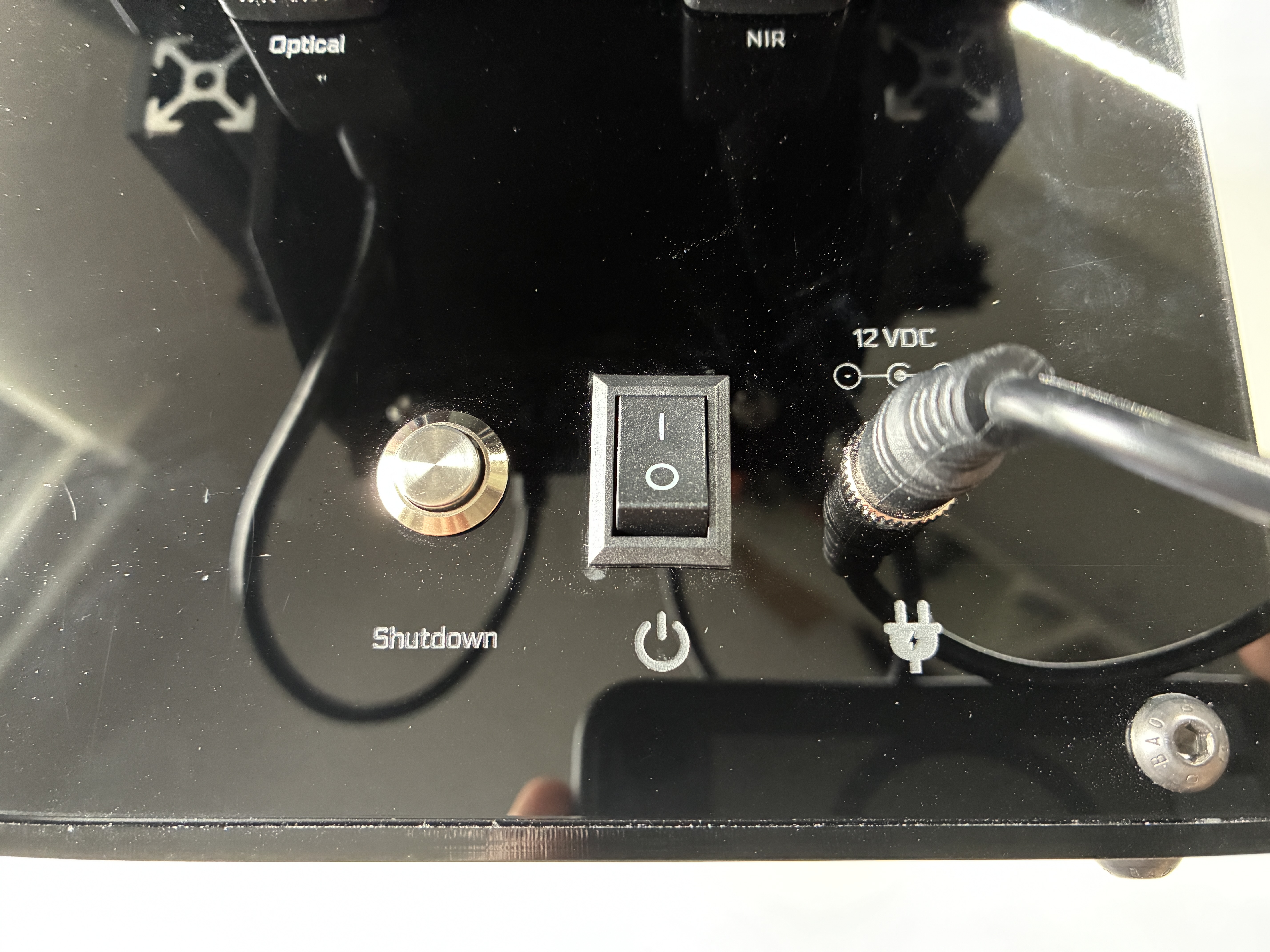
Shutdown
To safely power off the device:
- Hold down the safe startup-shutdown button for ~5 seconds.
- Toggle the main power switch to
OFF. - Disconnect the power cable if required.